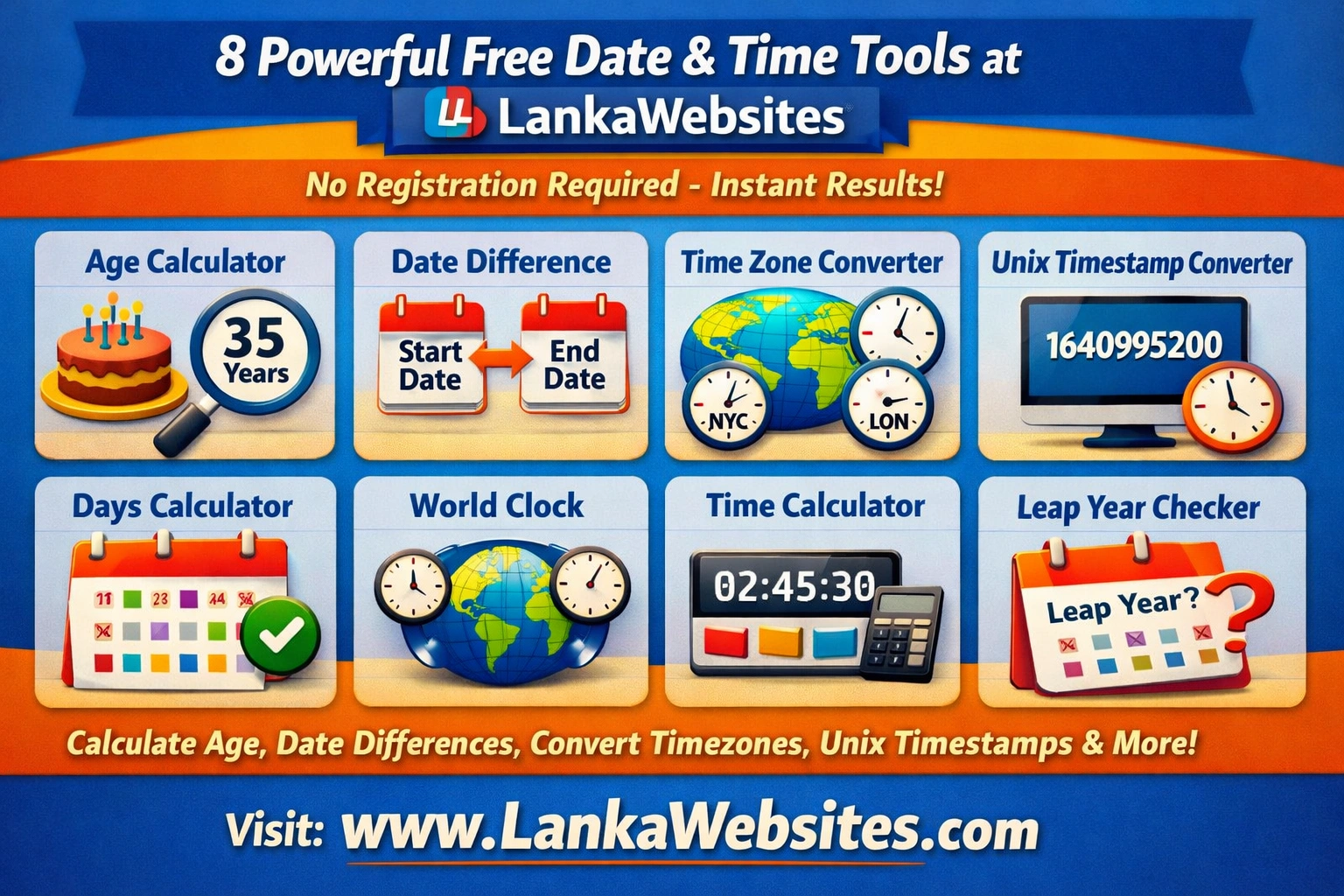
Working with dates and times can be surprisingly complex. Whether you need to calculate your exact age for an official document, figure out how many days until an important event, or convert time zones for an international meeting, having the right tools at your fingertips makes all the difference.
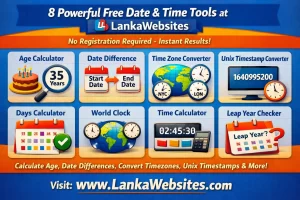
LankaWebsites offers a comprehensive collection of 8 free date and time tools that handle everything from simple age calculations to complex Unix timestamp conversions. All tools are completely free, require no registration, and provide instant results on any device.
Let’s explore each tool in detail and discover how they can simplify your daily tasks.
1. Age Calculator – Know Your Exact Age in Multiple Formats
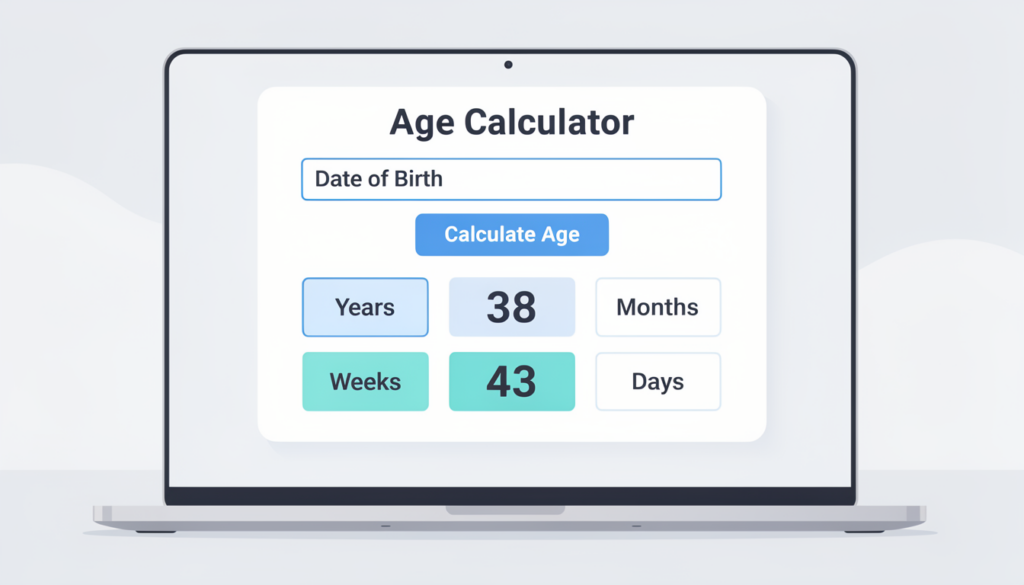
The Age Calculator is one of the most popular tools in this collection. It goes far beyond simply telling you how old you are in years.
What This Tool Calculates
Enter your date of birth, and the calculator instantly provides your age broken down into years, months, weeks, days, and even hours. This level of detail is particularly useful when you need precise age information for official documents, visa applications, insurance forms, or medical records.
Bonus Features
The Age Calculator also reveals what day of the week you were born on, your Western zodiac sign, your Chinese zodiac animal, and a countdown showing exactly how many days remain until your next birthday. These fun extras make the tool enjoyable to use while still delivering practical value.
How to Use It
Simply enter your birth date using the date picker. Optionally, you can set a target date if you need to calculate what your age was or will be on a specific date. The results appear instantly with no page reload required.
2. Date Difference Calculator – Find Days Between Any Two Dates
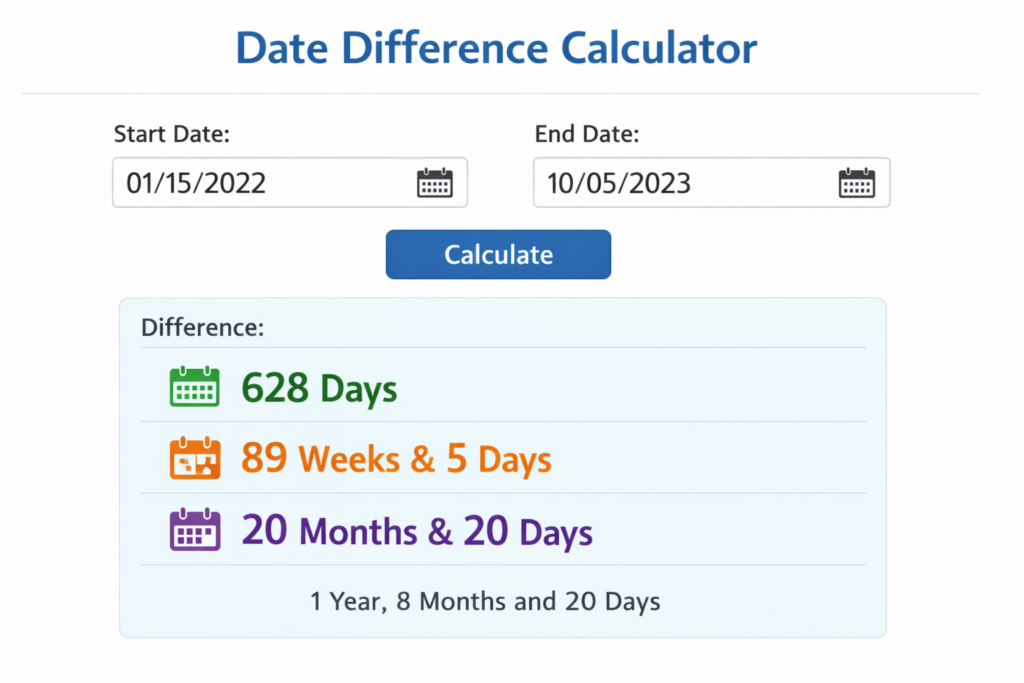
The Date Difference Calculator answers a question we all face regularly: how much time exists between two specific dates?
Practical Applications
This tool proves invaluable for project planning, calculating rental periods, determining employment duration, tracking pregnancy weeks, or figuring out how long you’ve been at your current job. Businesses use it for contract duration calculations, while individuals find it helpful for milestone tracking.
Multiple Output Formats
The calculator displays results in multiple formats simultaneously. You’ll see the difference expressed in total days, weeks, months, and years. This flexibility means you don’t need to perform additional mental math to get the format you need.
How to Use It
Select your start date and end date using the intuitive date pickers. The tool automatically calculates the difference regardless of which date comes first, making it error-proof and user-friendly.
3. Unix Timestamp Converter – Essential for Developers
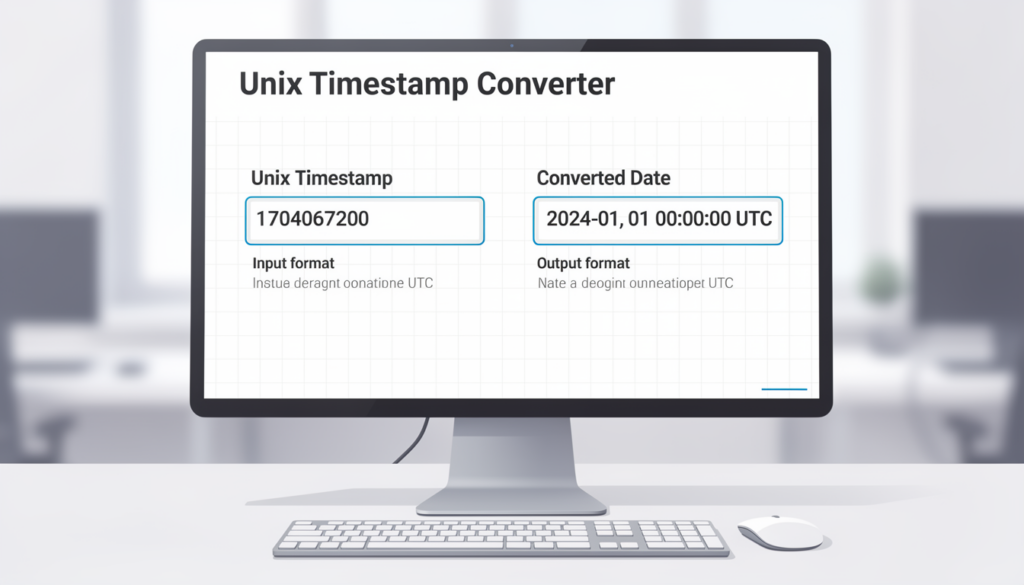
The Unix Timestamp Converter is a must-have tool for developers, system administrators, and anyone working with databases or APIs.
Understanding Unix Timestamps
Unix timestamps (also called Epoch time) represent dates as the number of seconds that have elapsed since January 1, 1970. While computers love this format, humans find it nearly impossible to read. This converter bridges that gap.
Two-Way Conversion
The tool works in both directions. Enter a Unix timestamp to see the human-readable date and time, or input a specific date and time to get its corresponding Unix timestamp. The converter supports both seconds and milliseconds formats, accommodating different system requirements.
Timezone Awareness
A standout feature is timezone support. When converting timestamps, you can specify the timezone to ensure accurate results. The tool also displays the current Unix timestamp in real-time, which is useful for debugging or logging purposes.
4. Timezone Converter – Navigate Global Time Differences
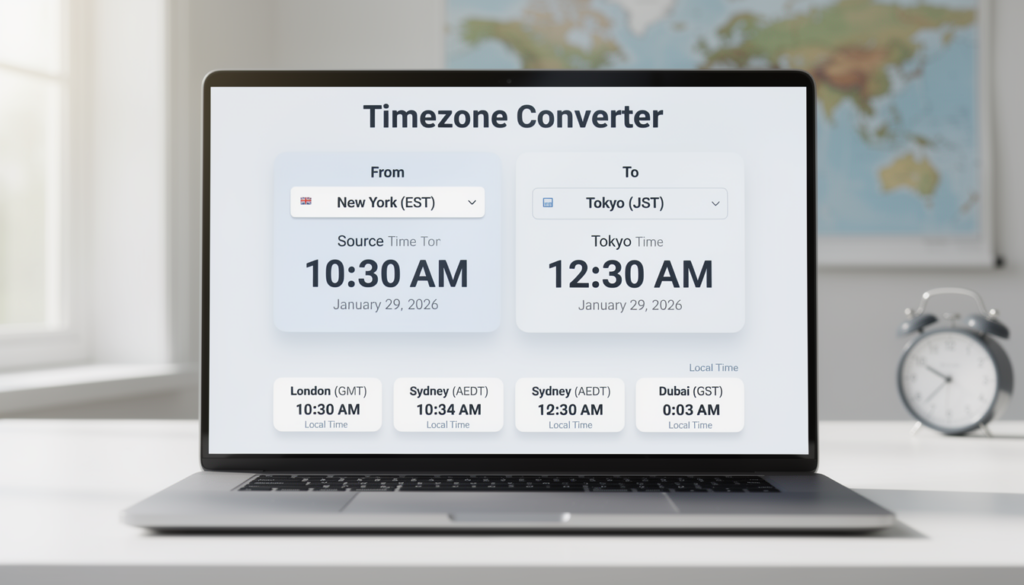
In our increasingly connected world, the Timezone Converter has become essential for anyone working with international teams, scheduling calls across continents, or planning overseas travel.
Comprehensive Coverage
The tool includes all world timezones, from major cities to remote locations. Whether you need to coordinate a meeting between Colombo and New York, or schedule a call from London to Sydney, this converter handles it effortlessly.
Daylight Saving Time Handling
One of the trickiest aspects of timezone conversion is accounting for Daylight Saving Time (DST). This tool automatically adjusts for DST changes, ensuring your converted times are accurate year-round. No more confusion about whether a particular region has sprung forward or fallen back.
Meeting Planner Mode
The multiple timezone comparison feature is perfect for finding suitable meeting times across several locations. You can view the same moment in time across different zones simultaneously, making it easy to identify windows that work for all participants.
5. Countdown Timer – Track Time Until Important Events
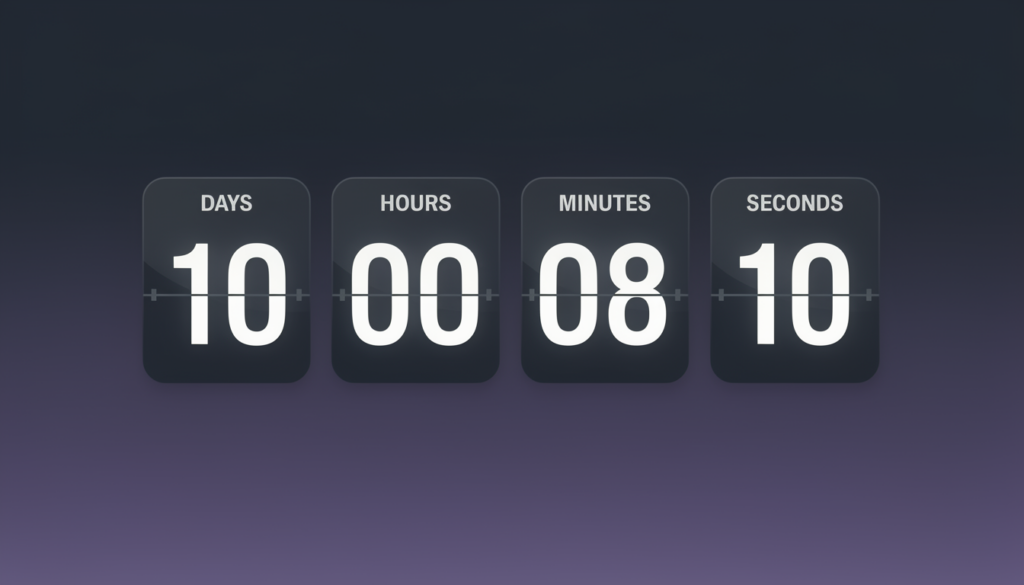
The Countdown Timer helps you visualize exactly how much time remains until a specific event or deadline.
Event Tracking Made Simple
Whether you’re counting down to a wedding, product launch, holiday, exam date, or retirement, this tool transforms an abstract future date into concrete, easy-to-understand time units. Seeing that your vacation is “23 days, 5 hours, and 12 minutes away” creates a tangible sense of anticipation.
Live Updates
The countdown updates in real-time, showing days, hours, minutes, and seconds ticking away. This live display adds engagement and makes the tool useful for event websites, social media sharing, or personal motivation.
Flexible Input
Set your target date and time, and the calculator immediately begins counting down. You can use it for both near-term deadlines (hours away) and long-term goals (years in the future).
6. Stopwatch – Precision Timing at Your Fingertips
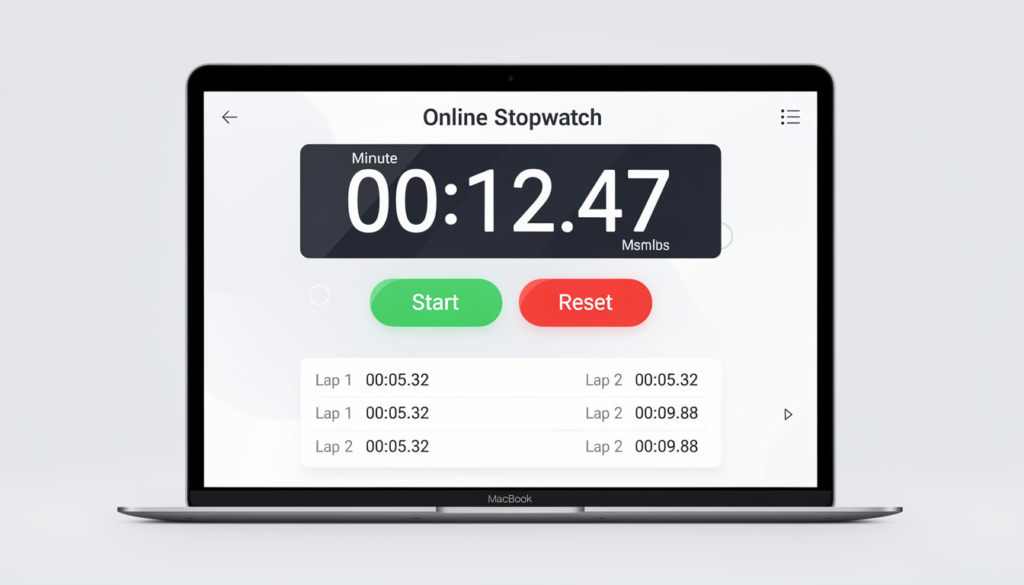
The Online Stopwatch provides accurate timing capabilities directly in your browser, eliminating the need for dedicated timing devices.
Professional-Grade Features
This isn’t a basic stopwatch. It includes lap time recording, allowing you to mark multiple intervals during a single timing session. Athletes use it for training splits, cooks time multiple dishes, and professionals track task durations.
Use Cases
The stopwatch proves valuable for workout timing, cooking and baking, productivity tracking (like the Pomodoro technique), game timing, scientific experiments, and any activity requiring accurate elapsed time measurement.
Simple Controls
Large, clear buttons make starting, stopping, and recording laps intuitive. The display is easy to read even at a glance, and the tool works smoothly on both desktop and mobile devices.
7. Date Add/Subtract Calculator – Project Future and Past Dates
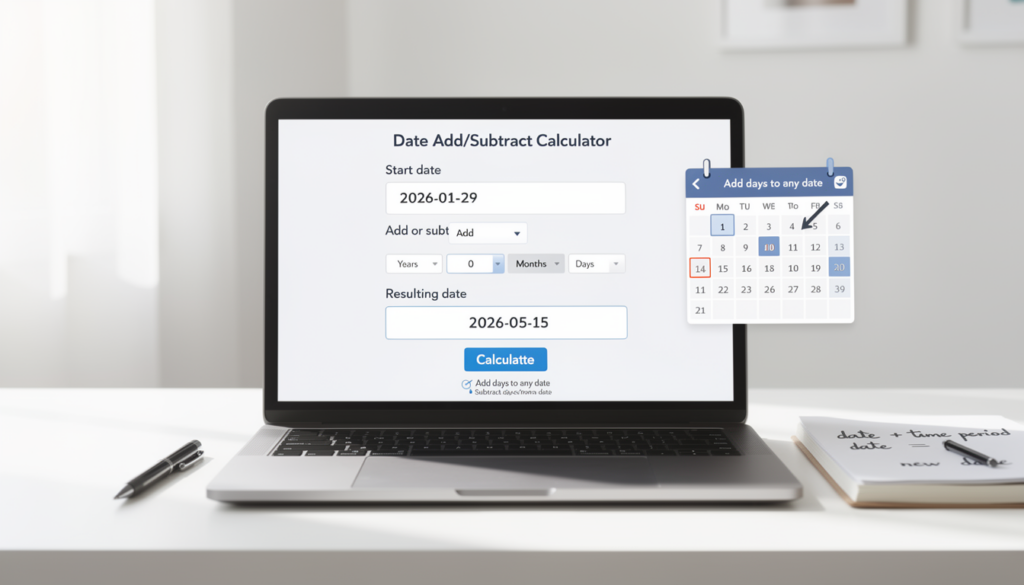
The Date Add/Subtract Calculator answers questions like “What date will it be 90 days from now?” or “What was the date 6 months ago?”
Flexible Time Units
Add or subtract any combination of days, weeks, months, or years from a starting date. This flexibility handles everything from simple calculations (“30 days from today”) to complex ones (“2 years, 3 months, and 15 days from a specific date”).
Business Applications
This tool is particularly useful for calculating payment due dates, warranty expiration dates, subscription renewal dates, project deadlines, and contract end dates. It removes the guesswork from date-based planning.
Accounting for Calendar Quirks
The calculator properly handles varying month lengths and leap years. Adding one month to January 31st correctly accounts for February’s shorter length, providing accurate results every time.
8. Week Number Calculator – ISO Week Tracking
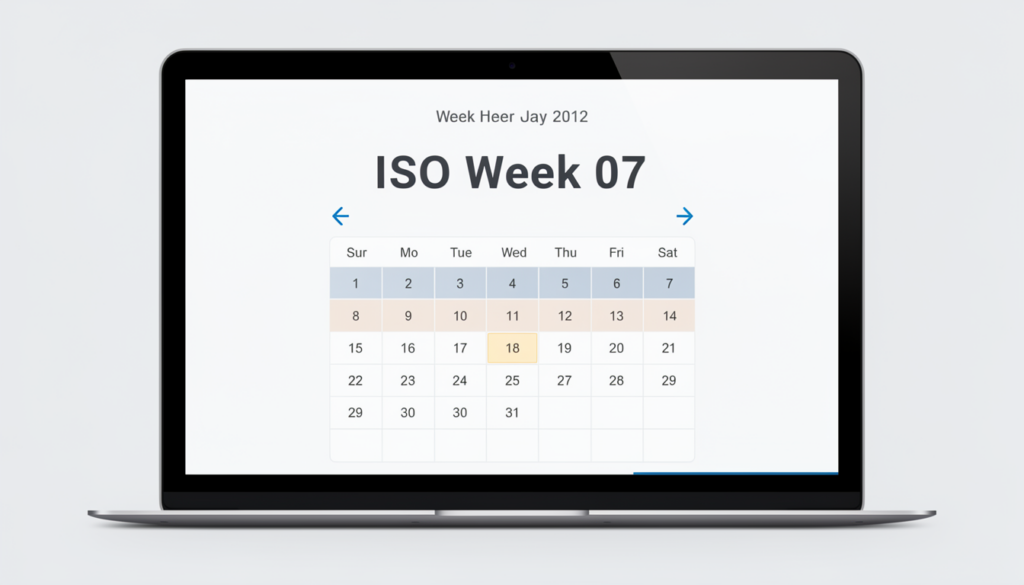
The Week Number Calculator identifies the ISO week number for any date, a requirement in many business and planning contexts.
Why Week Numbers Matter
Many industries, particularly in Europe, use week numbers for scheduling, reporting, and planning. Manufacturing companies plan production by week number, financial reports often reference specific weeks, and project management software frequently uses this format.
Current Week at a Glance
The tool prominently displays the current week number, making it easy to reference in conversations or documents. Simply asking “Can we deliver in Week 23?” becomes straightforward when you know today’s week number.
Year Calendar View
An additional calendar view shows all weeks of the year, helping you visualize how dates map to week numbers across the entire calendar. This overview is useful for annual planning and understanding week number patterns.
Why Choose LankaWebsites Date & Time Tools?
Several factors make this collection stand out from alternatives available online.
Completely Free with No Hidden Costs
All eight tools are entirely free to use. There are no premium features locked behind paywalls, no limits on usage, and no advertisements interrupting your workflow.
No Registration Required
You can use any tool immediately without creating an account, providing an email address, or jumping through any hoops. Simply visit the page and start using the tool.
Instant Results
Every tool provides results immediately without page reloads. As you adjust inputs, outputs update in real-time, creating a smooth and responsive user experience.
Works on All Devices
Whether you’re on a desktop computer, tablet, or smartphone, these tools function perfectly. The responsive design ensures usability regardless of screen size.
Dark Mode Support
For those who prefer working in low-light environments or simply enjoy dark interfaces, the tools support dark mode, reducing eye strain during extended use.
Privacy Focused
All calculations happen directly in your browser. Your dates and personal information aren’t sent to any server, ensuring complete privacy.
Common Use Cases for Date and Time Tools
These tools serve diverse needs across various aspects of daily life and professional work.
Personal Use
Calculate your exact age for official documents, count down to birthdays and anniversaries, plan travel across time zones, track pregnancy milestones, or simply satisfy your curiosity about date-related questions.
Professional Applications
Schedule international meetings across multiple time zones, calculate project timelines and deadlines, track employee tenure, manage contract durations, or convert timestamps in software development.
Educational Purposes
Students use these tools for assignment deadline tracking, exam countdowns, and learning about calendars and time systems. Teachers find them helpful for explaining date concepts and planning academic calendars.
Tips for Getting the Most from These Tools
Here are some suggestions to maximize the value you get from this toolkit.
Bookmark the main Date & Time Calculators page for quick access to all tools from one location. When working with timezones, always double-check whether the regions involved observe Daylight Saving Time. For recurring calculations, consider noting the process so you can repeat it efficiently.
If you work with Unix timestamps regularly, keep the converter tab open in your browser for quick reference. The current timestamp display updates continuously, providing a convenient reference point.
Conclusion
Date and time calculations might seem simple on the surface, but the details quickly become complex when accounting for leap years, varying month lengths, timezone rules, and different calendar systems. The LankaWebsites Date & Time Tools collection handles all this complexity behind the scenes, giving you accurate results instantly.
Whether you’re a developer needing Unix timestamp conversions, a professional scheduling across time zones, or simply someone wanting to know their exact age, these eight free tools have you covered. No downloads, no signups, no fees – just reliable date and time calculations whenever you need them.
Visit the Date & Time Tools page today and discover how these calculators can simplify your date-related tasks.