
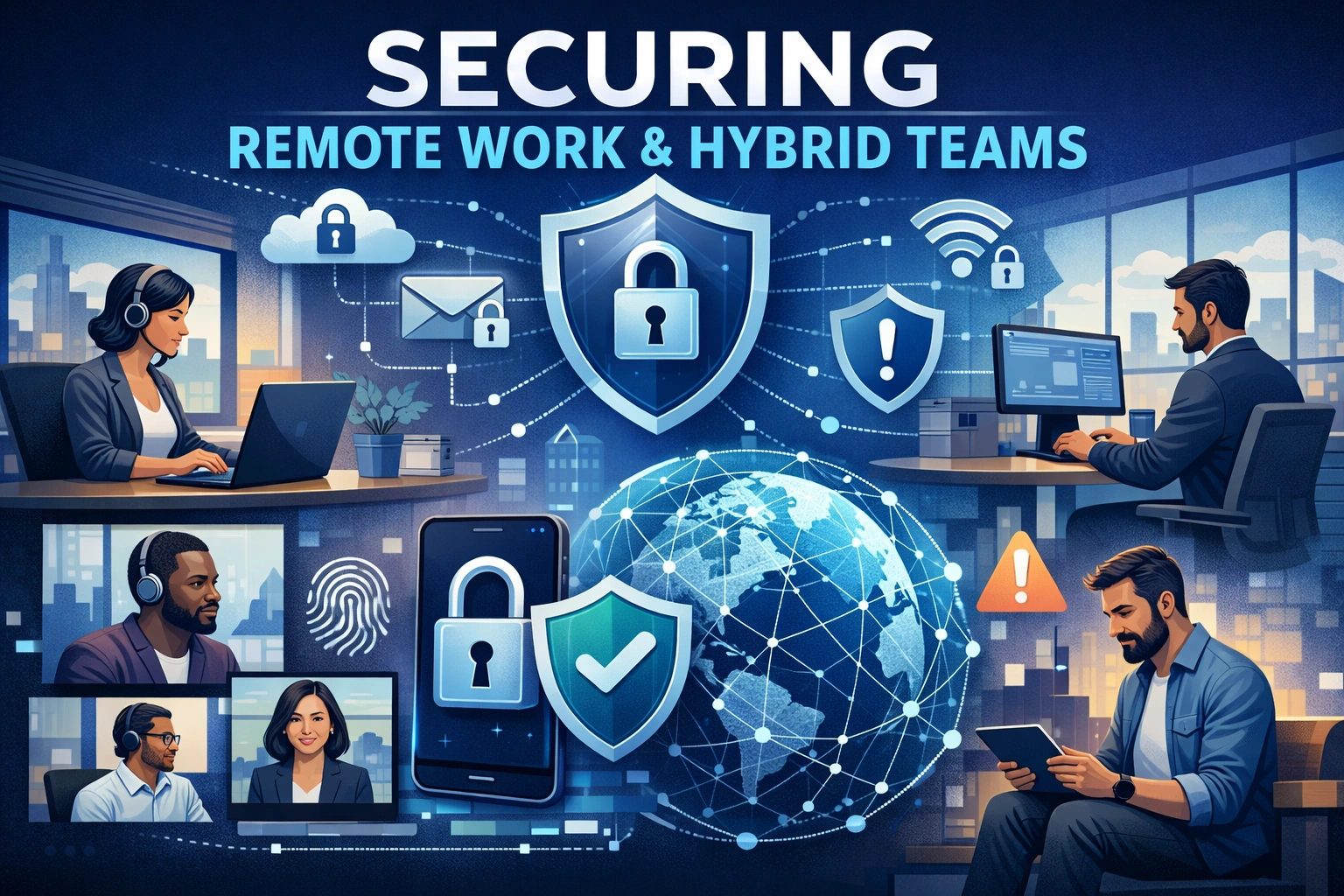
Securing Remote Work and Hybrid Teams
The shift to remote and hybrid work created new flexibility for businesses—but also expanded the attack surface dramatically. Employees now access corporate resources from home networks, personal devices and public Wi‑Fi, often using a mix of sanctioned and unsanctioned cloud tools.
Securing this environment requires a balance between strong protection and minimal friction so people can work effectively.
Main Risks in Remote Work Environments
Common risk areas include:
- Home networks: Weak router passwords, outdated firmware and shared devices.
- Personal devices (BYOD): Laptops and phones without corporate controls.
- Unapproved apps (“shadow IT”): Personal cloud storage, messaging apps and file‑sharing tools.
- Public Wi‑Fi: Interception risks and rogue hotspots in cafes or airports.
These factors make it easier for attackers to steal credentials, intercept data or drop malware.
Device and Endpoint Security for Remote Staff
Securing endpoints is critical when you cannot rely on a single office network.
Best practices:
- Company‑managed devices for roles with access to sensitive data; enforce encryption, antivirus, host firewalls and automatic updates.
- Mobile device management (MDM) for smartphones and tablets to enforce screen locks, remote wipe and app controls.
- Endpoint detection and response (EDR) to monitor suspicious behaviour and block known threats.
For BYOD policies, organisations should clearly define acceptable use and minimum security standards.
Secure Access: VPNs, SASE and Beyond
Remote access has traditionally relied on VPNs, but modern architectures offer alternatives.
Approaches:
- Modern VPNs with MFA and per‑application rules (not full network access).
- Zero‑trust network access (ZTNA) and Secure Access Service Edge (SASE) solutions, providing application‑specific access based on identity and device posture.
- Restricting admin interfaces and management consoles to specific networks or secured jump hosts.
These methods reduce the blast radius if credentials or devices are compromised.
Cloud Security and Collaboration Tools
Remote work depends heavily on collaboration platforms (email, messaging, video meetings, file sharing).
Key considerations:
- Enforce strong authentication and MFA on all cloud platforms.
- Limit external sharing defaults; require explicit approvals for sharing outside the organisation.
- Configure Data Loss Prevention (DLP) where available to monitor and control sensitive data movements.
- Regularly review access permissions on shared drives and team spaces.
Routine audits catch over‑provisioned or orphaned accounts.
Security Awareness for Remote Workers
Remote workers face more targeted phishing, tech support scams and social engineering.
Training should cover:
- Verifying unexpected support calls or messages claiming to be IT.
- Checking meeting links and shared documents for legitimacy.
- Avoiding personal cloud storage for business files.
- Reporting lost devices or suspicious activity immediately.
Short, scenario‑based training tailored to remote situations is more effective than generic modules.
Policies and Practical Support
Security policies must reflect reality, not just ideal office‑based scenarios.
Helpful measures:
- Provide secure tools (password managers, collaboration platforms) so staff don’t resort to unsafe alternatives.
- Offer simple guides for securing home routers (changing default passwords, updating firmware).
- Allow flexible but controlled access—for example, requiring VPN or ZTNA only for sensitive systems.
Supportive communication encourages compliance; overly rigid or impractical rules often lead to workarounds.
Monitoring and Incident Handling for Hybrid Work
Distributed environments require robust monitoring and clear incident pathways.
Essentials:
- Centralised logging (SIEM) for cloud and on‑prem systems.
- Alerts for unusual login patterns (new countries, odd times).
- Defined process for revoking access when staff leave or devices are lost.
Regular drills ensure teams know how to respond when a remote incident occurs, regardless of location.