Why mobile payment apps matter in Sri Lanka in 2026
Sri Lanka’s digital payments market has grown rapidly on the back of high smartphone use, government-backed cashless initiatives and rising consumer preference for convenient, secure transactions.[1][3] Mobile wallets, QR payments and contactless cards have moved from niche to mainstream, especially in urban and semi-urban areas.[1]
National rails such as LankaPay, the Common Electronic Fund Transfer Switch (CEFTS), JustPay and the LankaQR standard have been critical in this shift.[1] These systems enable real-time or near–real-time, low-cost transfers between banks and fintech apps, allowing services like FriMi, mCash, bank apps and LankaQR acceptance to interoperate instead of remaining closed silos.[1] This interoperability underpins person-to-person transfers, merchant QR payments and in-app bill settlement across providers.
Everyday use cases have expanded well beyond simple mobile reloads. Consumers now routinely pay utility bills, groceries, fuel, public transport, online shopping and food delivery through mobile apps and QR codes.[1][3] Peer-to-peer transfers have become a default for splitting bills and family remittances, while gig workers and small online sellers increasingly receive payouts to mobile wallets or bank apps instead of cash, improving traceability and financial inclusion.[1]
By 2026, choosing the best mobile payment app in Sri Lanka means comparing more than brand names. Users weigh:
- Fees: transfer and QR payment charges, especially for out-of-bank or wallet-to-bank transactions.
- Reliability & speed: uptime, instant settlement via CEFTS/JustPay, and smooth QR scans at the checkout.[1]
- Merchant acceptance: how widely an app’s QR or card is accepted at supermarkets, fuel stations, small retailers and online.
- Rewards: cash-back, discounts and loyalty integration that make daily spending cheaper.
- Security: strong authentication, device binding and fraud monitoring, aligned with Central Bank standards.[1]
- User experience: intuitive design, simple onboarding, good customer support and clear transaction histories.
All of this sits on a tightening regulatory and security backdrop. The Central Bank of Sri Lanka has issued guidelines for electronic fund transfers and payment cards, promoted interoperability, and set rules for non-bank payment service providers to enhance safety.[1] This includes KYC checks, transaction and wallet limits based on customer verification level, and expectations around data security and privacy controls.[1] For Sri Lankan users, these measures mean mobile payment apps like FriMi, mCash, LankaQR-enabled bank apps and others in 2026 are not only more convenient, but operate within a clearer, more secure regulatory framework.
FriMi review: Features, fees, pros and cons for Sri Lankans
Launched by Nations Trust Bank as Sri Lanka’s first fully fledged digital bank and lifestyle wallet, FriMi helped pioneer branchless, paperless app‑based banking in the country.[1][3][5] By 2026 it has evolved into a mature, feature‑rich platform competing directly with telco wallets like mCash, pure LankaQR apps and traditional bank apps.
Core features
FriMi combines a real‑time digital bank account, mobile wallet and payment system in one app.[3][6] You can open an account entirely on your phone with e‑KYC, without visiting a branch.[4][5] Once onboarded, you get:
- Everyday banking – hold balances, earn interest via savings tools like Saving Pots and Round‑up Savings, and manage NTB and other bank accounts in one place.[4][8]
- Cards – request a virtual debit card for online use or a physical Mastercard for in‑store payments and ATM cash withdrawals locally via the LankaPay network and overseas where Mastercard is accepted.[2][4]
- Payments & transfers – send money to other FriMi users by mobile number or FriMi ID, use cash tokens for cardless withdrawals at NTB ATMs, and schedule bill, card and fund payments.[2][3][4][6]
- Bill & merchant payments – pay utilities, insurance, leasing, credit cards and more, plus pay merchants via mobile number, QR, NFC, tokens or remote payment requests.[1][2][3]
- LankaQR & JustPay integration – scan any LankaQR code at participating merchants and pay from FriMi or linked bank accounts; underlying transfers ride on national rails such as LankaPay/JustPay.[2][4]
User experience in 2026
The app runs on Android and iOS with an updated UI including dark mode, widgets and a customizable home screen aimed at “effortless” navigation.[1][4][5] FriMi is fully trilingual, supporting Sinhala, Tamil and English from a single app, which is a key inclusion advantage over some bank apps.[4][5]
Onboarding is streamlined: users sign up on their smartphone with digital KYC and do not need to visit a branch.[4][5] Biometric login powered by Daon’s IdentityX platform enhances security and speeds access.[3][7] According to FriMi’s own materials, common actions like P2P transfers and QR payments are processed in real time, and in‑app notifications confirm transactions instantly.[2][3]
Public app‑store reviews (Google Play / App Store) indicate generally strong ratings for ease of use, though some users report occasional downtime and delays in customer support responses during peak periods.[5][9] Support is available via in‑app chat and standard NTB channels, but response times can be slower than the near‑instant USSD or call‑center flows of telco wallets (author’s comparative assessment based on user reviews, not an official SLA).
Costs, limits and FX considerations
FriMi emphasizes low‑fee everyday usage. P2P transfers between FriMi users by mobile number are advertised as free up to Rs. 1 million per day.[2] Cash tokens allow sending up to LKR 25,000 per token to any mobile number for withdrawal at NTB ATMs, with tokens expiring in 7 days if unused.[6] Standard top‑up options include bank transfers and card top‑ups; FriMi also lets you “top up” the virtual card from your FriMi balance.[1]
Exact tariffs for interbank transfers via JustPay/LankaPay, bill payments and ATM withdrawals can change frequently and are published in FriMi’s fees schedule rather than in static marketing pages, so users should always confirm latest charges in‑app or on the official site (inference based on typical bank practice in Sri Lanka). For international card use, FX rates and overseas ATM fees are governed by Mastercard and Nations Trust Bank’s card pricing; users should expect standard bank FX mark‑ups and possible foreign ATM surcharges, which makes FriMi less optimal as a dedicated travel card than some specialized FX products (author’s assessment; FriMi does not publish a separate FX wallet).[2][4]
Daily and monthly limits depend on customer tier and regulatory KYC level; token limits (LKR 25,000 per token) and P2P caps (up to Rs. 1Mn per day) are explicitly stated, but higher‑tier users may have larger aggregate limits subject to NTB policies.[2][6]
Best use cases in 2026: where FriMi shines and where it lags
By 2026, FriMi is best suited for:
- Urban, smartphone‑first users who want a single lifestyle app to bank, save, budget and pay with QR across the growing LankaQR merchant network.[2][4][8]
- Gig workers, freelancers and small merchants who need quick LankaQR acceptance and P2P collections via “My QR” and mobile‑number payments without investing in POS hardware.[2][4]
- Savers and budgeters who value features like Saving Pots, Round‑up Savings and personal finance management tools that many telco wallets and older bank apps still lack.[4][8]
However, FriMi is less ideal when:
- You need USSD‑based access on basic phones – this is where telco wallets like mCash still win for feature phones and low‑connectivity areas (inference based on mCash’s USSD‑centric design versus FriMi’s smartphone‑only apps).[1][2]
- You rely heavily on multi‑bank corporate services, advanced trade finance or bulk payroll – here, traditional bank apps and web portals remain stronger than FriMi’s consumer‑focused interface (author’s assessment).
- You want a pure LankaQR front‑end with minimal banking features and ultra‑light apps – QR‑first wallets can be simpler and sometimes faster for merchants than FriMi’s full banking stack.[2][4]
Compared with mCash, FriMi offers deeper banking, savings and card access, but mCash may beat it on reach among non‑smartphone users and tight integration with telco services. Against traditional bank apps, FriMi’s UX, language support and QR ecosystem are typically more modern, though some banks catch up with their own LankaQR‑enabled apps by 2026 (trend inference based on ongoing LankaQR adoption across banks).
mCash, eZ Cash and telco wallets vs LankaQR apps
Alongside bank-led wallets like FriMi and LankaPay’s emerging **Smart Wallet**, Sri Lanka’s two major telco wallets – **mCash** (Mobitel/Sri Lanka Telecom) and **eZ Cash** (Dialog, Hutch, Airtel) – remain critical rails for low‑value, everyday payments, especially outside the fully banked urban segment.[4][6]
How telco wallets differ from bank-led wallets
Telco wallets are anchored to your **mobile number**, not your bank account, and balances sit in a regulated trust account managed with a partner bank, whereas LankaQR and most bank apps move money **directly from your bank account** via systems like CEFTS and JustPay.[1][5][6]
Cash-in/out is usually done at telco shops, dealer points and kiosks, letting users operate a wallet with no bank account at all, while bank apps typically require an existing current or savings account.
Key features of mCash in 2026
By 2026, mCash’s proposition for everyday payments typically includes:
- Cash-in and cash-out at hundreds of Mobitel/SLT outlets, franchise dealers and partner merchants, giving rural and unbanked users physical touchpoints similar to a branch network (inferred from telco mobile money models).
- Bill payments for electricity, water, telecom, TV and insurance, comparable to bank bill‑pay features.[6]
- Merchant QR payments, increasingly via the national **LankaQR** standard, so a user can scan a LankaQR sticker and pay from their mCash balance, similar to a bank app.[1][6]
- Mobile reloads and data packs for any network, a traditional core use case for telco wallets.
- Micro‑loans and instalments offered in partnership with financial institutions, allowing credit on top of the stored value wallet (a pattern seen in many mobile money ecosystems, extrapolated here).
Integration with LankaQR and competition with bank apps
LankaQR is a **national interoperable QR standard** that lets customers pay merchants directly from bank or wallet apps certified by the Central Bank.[1][6]
Where mCash and similar wallets are LankaQR‑enabled, they effectively ride the same QR infrastructure as bank apps, competing on UX, rewards and agent reach rather than on merchant network, since the QR code is shared.[1][4][6]
However, bank apps usually support a broader set of account‑to‑account services (transfers, standing orders, card controls), while telco wallets focus on day‑to‑day consumption payments.
Pros and cons for unbanked and under‑banked users
For financially excluded users, telco wallets offer:
- Advantages: no need for a bank account, simple onboarding via SIM KYC, extensive agent networks for cash handling, and strong suitability for micro‑value transactions.[5][6]
- Disadvantages: lower balance and transaction limits, weaker integration with formal savings/credit products compared with full bank accounts, and sometimes higher per‑transaction fees than LankaQR bank payments, which are promoted as low‑cost or free to customers.[1][6]
Everyday comparison: mCash vs similar wallets
In practice, mCash, eZ Cash and competing bank/LankaQR apps can be contrasted as follows:
- Coverage & merchant acceptance: Telco wallets excel where telco agent density is high (small shops, rural areas), while LankaQR’s bank‑driven rollout targets SMEs and formal merchants nationwide.[1][6]
- App performance: Bank apps and newer wallets built on modern stacks (e.g., LankaPay Smart Wallet) tend to offer smoother in‑app flows and richer features, while telco apps prioritize reliability on low‑end Android phones and weaker data connections.[4][6]
- Rewards & cashback: Telcos often run top‑up bonuses and partner discounts tied to airtime and data, whereas banks and standalone wallets lean on card‑style cashback, merchant offers and QR promotions around LankaQR adoption.[1][6]
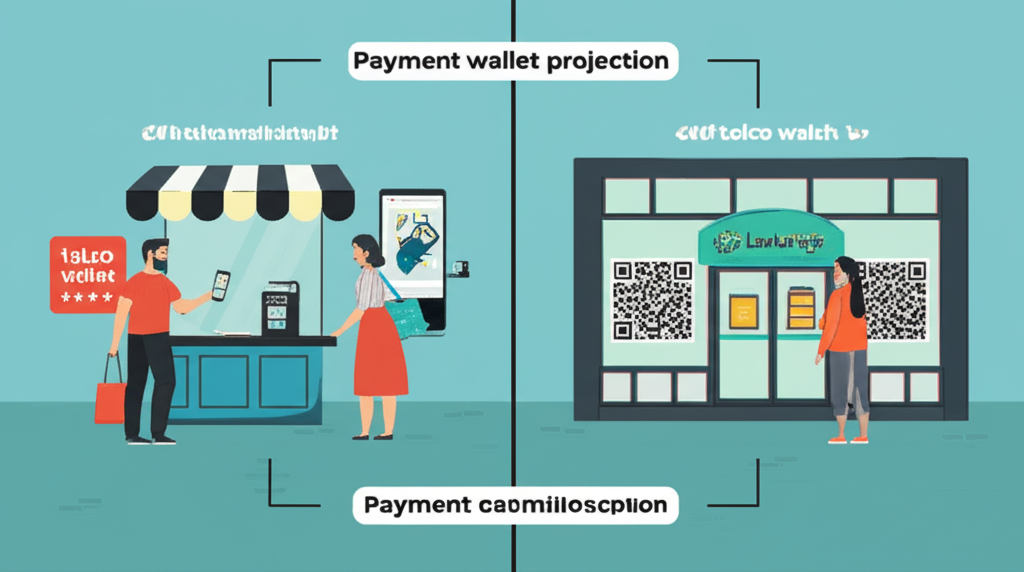
For 2026, a typical consumer ends up using a **hybrid mix**: telco wallets for cash‑like small payments and reloads, and bank or LankaQR apps for larger in‑store purchases and account‑to‑account transfers.
Bank mobile apps and LankaQR: How major banks compare
By 2026, leading Sri Lankan banks have turned their mobile apps into **full digital payment hubs**, competing directly with fintech wallets like FriMi and telco wallets such as Genie and mCash.[2][3] Apps like **ComBank Digital**, **HNB Digital Banking**, **Sampath Vishwa**, **People’s Wave**, **NSBPay** and BOC’s various apps dominate finance charts, showing how central they have become to everyday payments.[1][2][4]
Across most big banks you now see a common baseline of **payment features**:
- CEFTS transfers for real-time interbank fund transfers, including to other banks and fintech wallets that support the same rails.[3][9]
- JustPay integration to link current/savings accounts to third‑party apps and wallets for pull‑payments and top‑ups.[8][9]
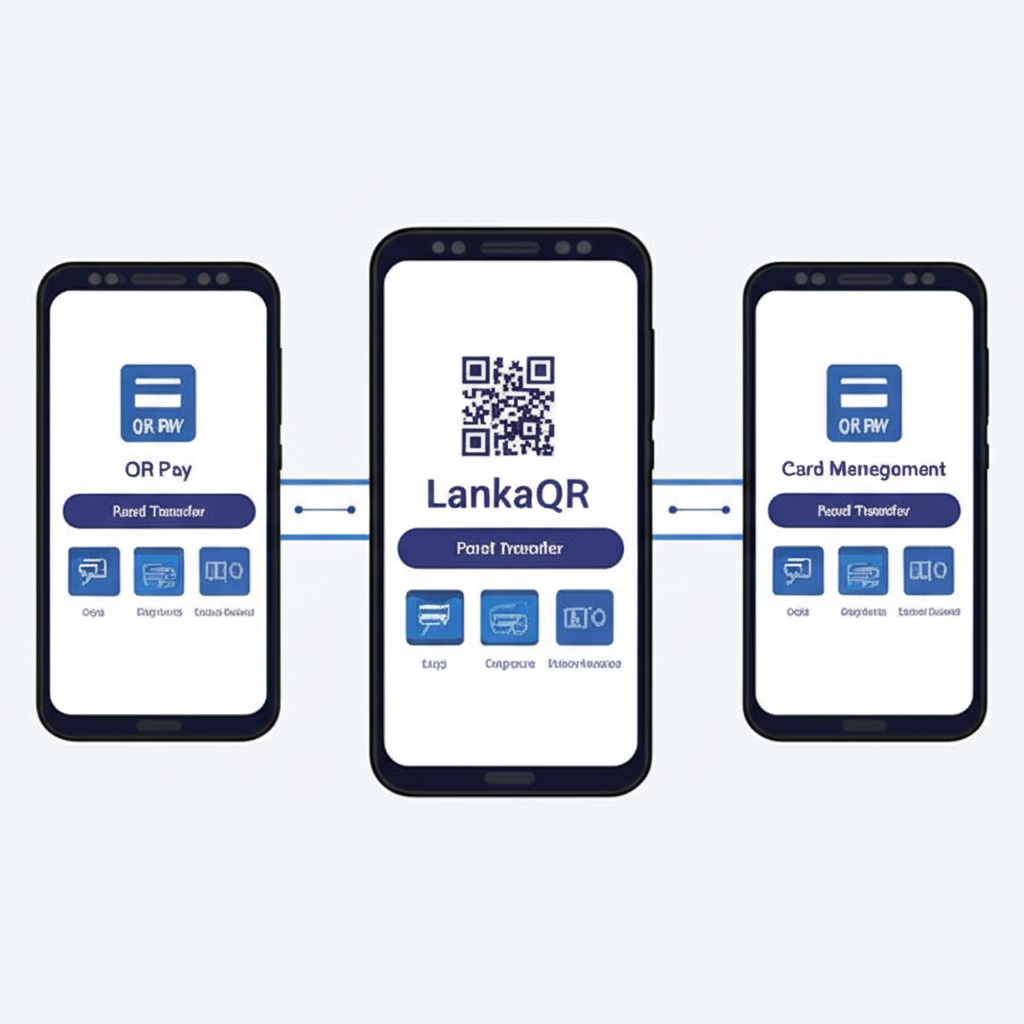
- LankaQR scanning built into bank apps and companion QR apps (e.g. ComBank Q+ and HNB SOLO), letting you pay merchants, peer‑to‑peer and bills with a single national QR standard.[3][8]
- Card management features like viewing card spends, changing limits and blocking lost cards within the app.[3]
- Standing orders & bill pay for utilities, loans, insurance and subscriptions, often with e‑receipts replacing branch visits.[3][9]
Bank apps have several structural **strengths** compared with standalone wallets. Because they are tied directly to your current or savings account, you avoid repeated top‑ups and get access to **higher transaction limits** than many prepaid wallets allow.[3][9] Banks also tend to offer stronger **security controls** (multi‑factor authentication, device binding, detailed alerts) and clearer **dispute resolution** paths through existing card and deposit-account regulations.[3][9] For larger payments or salary‑linked spending, this direct integration is often more convenient than moving money into a separate wallet balance.
However, not every bank app matches the polish of specialist wallets. User reviews and third‑party comparisons highlight **clunky interfaces**, inconsistent navigation and fewer lifestyle features in some legacy banking apps versus modern wallets.[1][3] Banks also tend to show **slower feature rollout** than fintechs, and some apps report **downtime** during core‑system upgrades or maintenance windows, impacting time‑critical payments.[1][4] On **rewards and cashback**, dedicated wallets and telco apps (e.g. Genie, FriMi, mCash) frequently run more aggressive promotions, partner discounts and gamified offers than traditional banks.[2][8]
When deciding whether to rely primarily on your **bank’s app**, a **dedicated wallet** like FriMi, or a **telco wallet** such as mCash or Genie, use this comparison framework:
- Coverage: Does it support LankaQR everywhere you shop, plus CEFTS transfers to all your other banks and wallets?
- Costs & limits: Compare transfer fees, QR payment fees (if any), daily/monthly limits and cash‑out costs.
- Rewards: Look at cashback, merchant offers and loyalty tie‑ins; wallets and telcos often lead here.[2][8]
- Reliability & UX: Check app ratings, comments on outages, and how easy it is to complete a typical payment.[1][4]
- Security & support: Prefer providers with strong authentication, clear fraud policies and responsive local support.[3][9]
In practice, many Sri Lankans use a **hybrid approach**: a bank app as the main account and CEFTS hub, plus one or two high‑reward wallets for daily QR payments and offers.[2][8][9]
Best mobile payment apps in Sri Lanka 2026: FriMi, mCash, LankaQR and bank apps compared
Sri Lanka’s payment rails (CEFTS, JustPay and LANKAQR) now let most wallets and bank apps send money instantly and pay merchants via a common QR standard, especially LANKAQR for low‑cost merchant payments.[1][5][6]
Head‑to‑head comparison
| App type | Typical fees | Speed | Merchant acceptance | Features | Rewards |
|---|---|---|---|---|---|
| FriMi‑type neo‑bank apps | Low / promo‑free P2P; standard bank fees for some services | Instant via CEFTS/JustPay | Cards + LANKAQR where supported[1][6] | Full banking, bill pay, QR, virtual cards | Cashback, partner offers (varies by bank) |
| mCash / telco wallets | Low to moderate cash‑out / bill pay fees | Instant wallet transfers | Strong small‑merchant and top‑up network | Mobile reloads, utilities, micro‑loans | Telco points, bonus data, promos |
| Major bank apps | Standard bank fee schedules | Instant local transfers through CEFTS/JustPay[5] | Good card + LANKAQR coverage in urban areas[1][6] | Accounts, cards, loans, standing orders | Card‑linked rewards, instalment plans |
| LANKAQR‑focused apps | No customer fee for LANKAQR payments; merchant pays small MDR[1][6] | Instant account‑to‑merchant via national QR rails[1][5] | Growing SME and government acceptance island‑wide[1][6] | Scan‑to‑pay, bank account linking, e‑receipts | Occasional QR‑pay cashback campaigns |
Scenario‑based recommendations (2026)
- Students: One neo‑bank app (e.g., FriMi‑style) + telco wallet for reloads and campus merchants; rely on LANKAQR where available for fee‑free payments.[1][5][6]
- Small businesses: Bank app or LANKAQR‑first app to accept QR payments with low merchant fees, plus mCash/other wallet for customers without bank accounts.[1][5][6]
- Freelancers: Major bank app for invoices and account‑to‑account payments, backed by a neo‑bank wallet for quick P2P and online subscriptions.[5][6]
- Families: Main bank app for salaries and bills, plus shared wallet (FriMi‑type or telco) for allowances and day‑to‑day spending.
- Online shoppers: Neo‑bank or bank app with virtual cards and strong dispute support; use QR or wallet offers for local e‑commerce.[1][6]
- Frequent travellers: Local bank app + multi‑currency/remittance app; pay in Sri Lanka with LANKAQR and abroad with low‑fee cards or wallets.[5][6]
Using multiple apps without chaos
- Keep one main bank app for income and savings; move money into 1–2 wallets only as needed.
- Turn on notifications in every app and reconcile against your bank balance weekly.
- Disable unused cards or payment methods in each app and revoke old device/browser access.
Security & privacy checklist (Sri Lanka)
- Use a strong phone lock plus PIN and biometrics inside each wallet/bank app.
- Never share OTPs; treat unexpected “payment problem” calls or QR requests as potential scams.
- Secure your device: OS and app updates, official app stores only, no sideloaded “mod” wallets.[6]
- If your phone is lost: call your bank/telco immediately, block SIM and cards, change app passwords from another device, and use remote‑wipe where possible.
Beyond 2026: trends to watch
- Open banking: Aggregator apps that show accounts from multiple banks and initiate payments over common rails like CEFTS/JustPay.[5]
- Cross‑border QR: Interoperable LANKAQR‑style schemes could enable tourist and remittance QR payments in both directions.[1][5][6]
- Digital rupee (CBDC): Potential CBSL pilots could use existing wallet and QR infrastructure for low‑cost retail payments.[1][5]
- Deeper bank–fintech partnerships: Neo‑banks and telcos are likely to offer more embedded credit, insurance and merchant tools on top of the national rails.[1][5][6]