How to Integrate WhatsApp with Your Website for Sri Lankan Customers
WhatsApp is one of the most important communication channels for Sri Lankan customers, often preferred over phone calls or emails. Integrating WhatsApp properly into your website can significantly increase inquiries, conversions and customer satisfaction.joomlasrilanka
Why WhatsApp Integration Matters for Sri Lankan Businesses
Most Sri Lankan internet users are highly active on WhatsApp, using it for personal and business communication daily. When your website makes it easy to start a WhatsApp chat, you reduce friction and make it more likely that visitors will contact you.joomlasrilanka
Benefits include:
- Faster lead response times and higher closing rates.
- Easier follow‑up and sharing of media (images, documents, locations).
- Better experience on mobile, where most visitors browse your site.
Step 1: Choose Personal vs Business vs API
There are three main ways to use WhatsApp for your website integration, each with different levels of control and scalability.joomlasrilanka
Options:
- WhatsApp Personal: Simple for micro businesses, but limited features and best avoided for serious operations.
- WhatsApp Business App: Allows quick replies, labels, business profile and basic automation.
- WhatsApp Business API: Ideal for larger businesses needing automation, chatbots and multi‑agent support.
Most Sri Lankan SMEs will start with WhatsApp Business and later move to API as volume grows.
Step 2: Create Click‑to‑Chat Links and Buttons
WhatsApp provides a simple “click‑to‑chat” URL format that opens a chat window with your number and an optional pre‑filled message.
Basic format:
- https://wa.me/<YourNumber>
- https://wa.me/<YourNumber>?text=<EncodedMessage>
Examples of pre‑filled messages:
- “Hello, I would like to get a quote for a new website.”
- “Hi, I’m interested in your ecommerce web design services.”
These links can be used on your website buttons, banners, contact page and email signatures.joomlasrilanka
Step 3: Place WhatsApp Buttons Strategically
Where you place your WhatsApp entry points affects how often they are used.
Recommended placements:
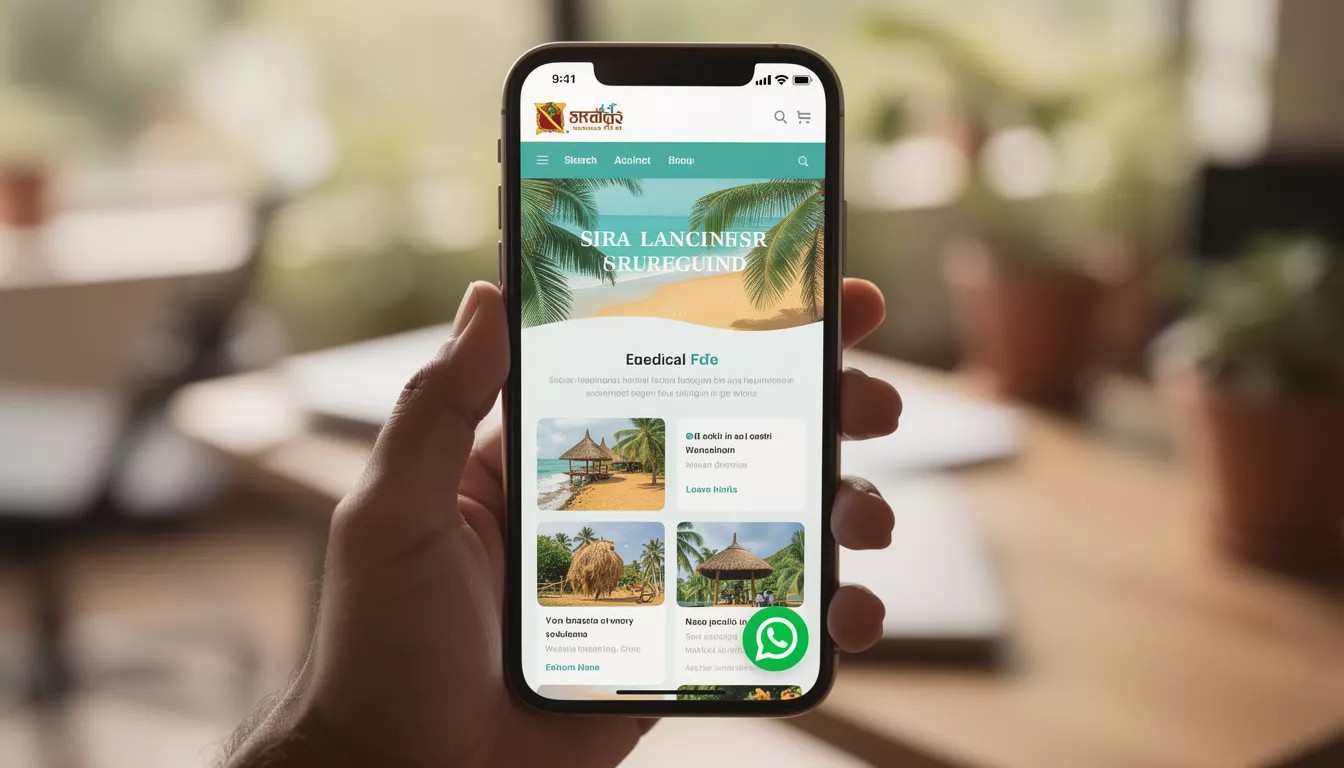
- Floating WhatsApp button on all pages (especially on mobile).
- Hero section CTA: “WhatsApp us now for a free quote”.
- Contact page alongside form and phone number.
- Product or service pages near pricing or enquiry sections.
Make sure the button is easy to tap on mobile and doesn’t cover important content.joomlasrilanka
Step 4: Combine WhatsApp with Forms and Lead Tracking
WhatsApp integration should complement, not replace, your existing contact forms and CRM.
Tips:
- Use a form for more detailed inquiries, and WhatsApp for quick questions.
- Track WhatsApp leads using UTM parameters in your click‑to‑chat URLs.
- Set expectations in your auto‑reply (e.g., “We respond within 1–2 business hours”).
A web design company in Sri Lanka such as Mobiz International – Web Design Company in Sri Lanka can help you implement tracking, automation and design so WhatsApp works smoothly with your website and sales process.joomlasrilanka.