I’ve seen some truly gorgeous websites fall flat on their face at the last second. I’m talking beautiful design, clever copy, the whole package. Then you try to buy something, and the checkout button just… does nothing on your phone. Have you ever had that happen? You immediately lose trust in that brand. I think this is what happens when teams treat Quality Assurance (QA) as an afterthought, a final checkbox to tick before launch.
But here’s the thing: QA isn’t just about finding bugs. It’s about protecting the entire user experience you’ve worked so hard to build. It’s about methodically testing your site across different browsers and devices—checking if it works on Safari on an iPhone as well as it does on Chrome on a desktop—to ensure every single person has a smooth journey. It’s about verifying that your site is accessible and that performance is snappy.
So, what does a good QA process actually look like for a web project? We’re going to break down why it’s so much more than a quick once-over and show you the key areas to focus on to make sure your beautiful design actually works for your users, not against them.
Defining Quality Assurance in Web Design
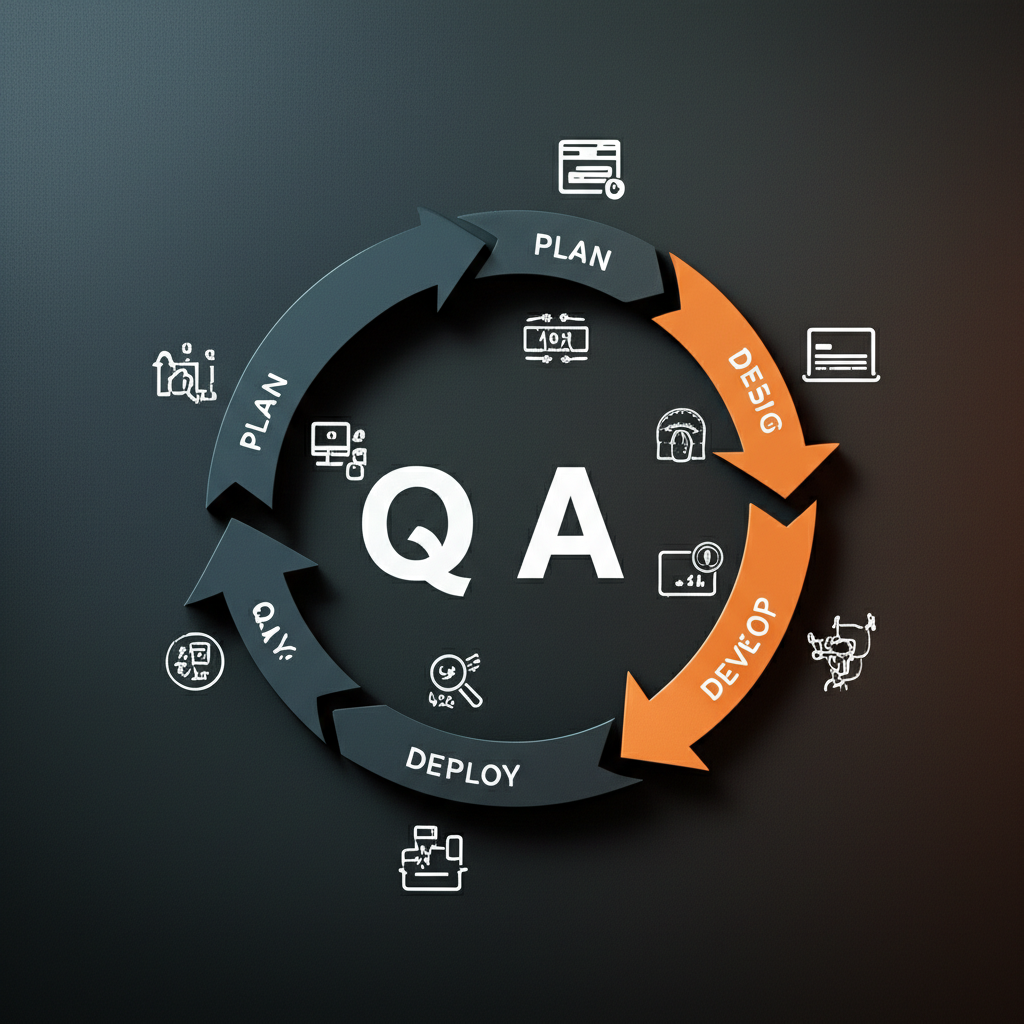
Okay, let’s talk about Quality Assurance, or QA. I think a lot of people hear “QA” and immediately picture someone clicking every button on a website trying to break it. That’s part of it, for sure, but that’s really more Quality Control (QC) or testing. Quality Assurance is bigger. It’s the entire strategy we put in place to prevent issues from happening in the first place. Think of it this way: QC is reactive—finding bugs that already exist. QA is proactive—setting up processes and standards during the design and development phases to make sure those bugs have a harder time showing up at all.
So, what does QA actually cover?
When my team talks about QA, we’re looking at the website from a few different angles. It’s a whole lot more than just “does this button work?” We typically focus on five core areas:
Functionality: Do all the forms, links, and interactive elements behave as expected?
Usability: Is the website intuitive and easy for a real person to navigate? Can they accomplish their goals without getting frustrated?
Performance: How fast does the site load? Does it slow down under pressure? A slow site is a dead site.
Compatibility: Does it look and work correctly on Chrome, Firefox, and Safari? What about on an iPhone versus a big desktop monitor?
Security: Are user data, contact forms, and payment gateways protected from common vulnerabilities?
Let me give you a real-world example. Imagine an e-commerce checkout page. Simple testing, or QC, would just confirm the “Complete Purchase” button submits the order. A full QA process starts way earlier. During the design phase, we’d ask: is the layout confusing? Then, during development, we’d test if the page loads in under three seconds even with a slow connection. We’d check it on a tiny phone screen. Why go through all that trouble? Well, studies show that a staggering 88% of online shoppers are less likely to return after a bad experience. QA is our way of making sure that bad experience never happens.
Ultimately, I see QA as the guardian of the user experience. It’s the disciplined process that ensures the final product isn’t just functional, but also trustworthy and professional. When you consider that 75% of people judge a business’s credibility based on its website design, you realize that QA isn’t an optional final step. It’s the bedrock of a successful online presence.
Enhancing User Experience (UX) Through Rigorous QA
Now, you might be wondering how all this technical testing actually affects a real person clicking around your site. I think it’s the most direct connection there is. We’re not just hunting for code errors; we’re protecting the user’s journey. Honestly, a website that works flawlessly is the baseline expectation. Anything less creates frustration. When you learn that 88% of online shoppers are less likely to return to a site after a bad experience, you start to see QA as a form of customer service.
The goal is to eliminate friction. Friction is anything that makes a user pause, get confused, or give up. I once worked on a project where a simple contact form had a bug. The “submit” button just didn’t work on the Safari browser. Imagine the lost leads! Rigorous quality assurance catches these things. QA testers methodically check every link, every form, and every button across different browsers and devices to ensure the user’s path from A to B is clear and logical. No dead ends, no 404 errors, and no pages that take forever to load.
This process directly builds credibility. When a site works as expected, it feels professional and trustworthy. It sends a message that you care about the details. With 75% of people assessing a business’s credibility based on its website’s design, a glitch-free interface becomes a powerful signal of competence. A predictable, smooth experience makes visitors feel secure, encouraging them to engage, sign up, or make a purchase.
It’s About Inclusivity, Too
And this commitment to a good experience has to include everyone. That’s where a huge, often-overlooked part of QA comes in: accessibility testing. We check the site against established standards like the Web Content Accessibility Guidelines (WCAG). This means verifying things like:
Is there descriptive alt text for all images?
Can a person navigate the site using only a keyboard?
Is the color contrast sufficient for people with low vision?
Ultimately, what is good QA if not a deep form of empathy for the end-user? It’s the final line of defense to make sure what you’ve built is not just functional, but genuinely helpful and pleasant for every single visitor.
How QA Safeguards Your Brand’s Reputation
Now, you might be wondering if quality assurance is just a technical box-ticking exercise for developers. I get it, but I think that view misses the bigger picture entirely. QA is really your brand’s first line of defense online. Your website is your digital storefront, and for most people, it’s the first “hello.” If that first impression is a broken link, a distorted image on their phone, or a button that doesn’t work, what message does that send? It suggests a lack of care. It’s the digital equivalent of a dusty, disorganized shop.
Your Digital Handshake
Let’s be real: people judge books by their covers, and they definitely judge businesses by their websites. A staggering 75% of people admit to assessing a company’s credibility based on its web design. A glitchy experience doesn’t just feel unprofessional; it actively erodes trust. I once consulted for an e-commerce brand that couldn’t figure out why mobile sales were so low. It turned out their “Add to Cart” button shifted on iOS devices, partially hiding behind another element. It worked fine on Android and desktop, but a huge chunk of their audience literally couldn’t buy from them. That’s not just a bug; it’s a reputation-damaging, revenue-killing oversight that a solid cross-browser testing plan would have caught in an hour.
More Than Just Functionality, It’s Trust
This goes even deeper when we talk about security and reliability. Nothing will sink a brand’s reputation faster than a data breach or a checkout process that feels insecure. When a user has a bad experience, they don’t just leave; they often don’t come back. The data backs this up: 88% of online shoppers are less likely to return to a website after a bad experience. Rigorous QA isn’t just about making sure things work. It’s about making sure your website projects an image of quality and dependability, proving to your visitors that you value their time, their business, and their security.
The Financial & SEO Impact of Neglecting QA
Speaking of which, let’s talk about money. I often hear people treat QA like an optional expense, something to cut when the budget gets tight. I think that’s a huge mistake. There’s an old rule in development: a bug found in production costs at least ten times more to fix than one caught during the design or coding phase. You’re not just paying a developer’s time; you’re dealing with customer support tickets, lost sales, and potential damage to your brand’s reputation. It’s paying a premium for a problem you could have solved for pennies.
Then there’s the impact on your search rankings, which is a slow-burn financial disaster. Google is obsessed with user experience. When your site is slow, or the mobile version is a mess, Google notices. Its Core Web Vitals aren’t just suggestions; they are direct ranking factors that can push you down in search results. A poor mobile experience can get you demoted in its mobile-first index. Suddenly, all that money you spent on content and SEO is being undermined by a technical foundation that wasn’t properly tested.
Let’s get really specific. Imagine you run an e-commerce site and a bug in the latest update breaks the checkout button, but only for Safari users on iOS. You might not even notice for days. If 20% of your traffic uses that browser and your site normally generates $5,000 a day, you could be losing $1,000 every single day the bug exists. Is it any surprise that research shows 88% of shoppers say they’re less likely to return after a bad experience? They’re not going to email you about the bug; they’re just going to buy from your competitor.
All these issues—slow pages, broken buttons, confusing navigation—create negative user signals. People get frustrated and leave. That high bounce rate tells Google, “Hey, this page isn’t helpful.” Since 75% of people judge a business’s credibility by its website, a glitchy site doesn’t just look unprofessional; it actively erodes trust. You end up paying for fixes, losing sales, and sliding down the search results. So, is QA really a cost, or is it the insurance policy for your entire online presence?
Core Components of a Web Design QA Checklist
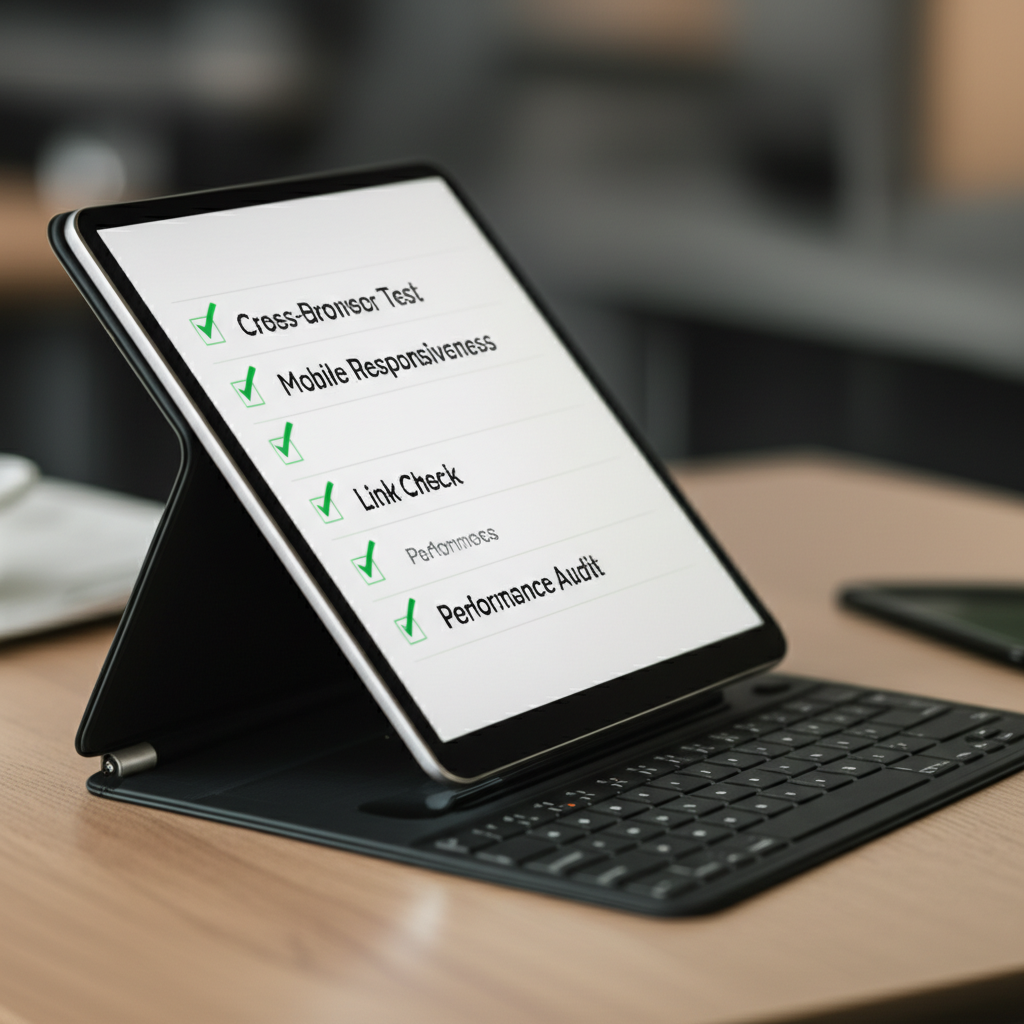
Alright, so you’re ready to put a website through its paces. Where do you even begin? I think the best approach is to break it down into manageable chunks. Over the years, I’ve developed a mental checklist that covers the biggest problem areas. It’s not about finding every tiny flaw, but about catching the glaring issues that can erode trust and send visitors running.
Cross-Browser and Cross-Device Testing
First up, you have to check how the site looks and works everywhere. A design that’s perfect in Chrome on your desktop might be a complete mess on Safari on an iPhone. I always test on the big three: Chrome, Firefox, and Safari. Then, I check it on a desktop, a tablet, and a mobile phone. You’re looking for broken layouts, navigation menus that don’t work, and images that get awkwardly cropped. It’s amazing how often a simple element, like a dropdown menu, can behave differently from one browser to the next.
Performance and Speed Testing
Nobody waits for a slow website. With studies showing that 88% of online shoppers are less likely to return after a bad experience, a slow site is a business killer. I always run a site through a tool like Google PageSpeed Insights. It gives you a score, but more importantly, it tells you why the site is slow. Often, the culprit is something simple, like massive, uncompressed images. Fixing those can dramatically improve load times and keep your visitors happy.
Functional Testing
This is the “does it actually work?” phase. I go through the site and click on literally everything. Do all the links go to the right place? Do the contact forms submit properly and send a confirmation? Do the call-to-action (CTA) buttons do what they promise? I once launched a client site where the main contact form looked perfect, but the “Submit” button wasn’t actually wired to anything. A simple five-minute check caught an error that would have cost them leads for who knows how long.
Content and Visual Checks
Finally, it’s time for a polish. Read every single word. You’re hunting for typos and grammatical errors that can make a business look unprofessional. Are the images sharp and high-quality? Is the design consistent—are all the headings the same font and color? When you consider that 75% of people judge a business’s credibility by its website design, you realize how much these small details matter. A clean, consistent, and error-free site just feels more trustworthy.
So, What’s the Real Takeaway?
When you boil it all down, I think the biggest thing to remember is this: Quality Assurance isn’t just a final checklist. It’s the very foundation of a great user experience. It’s the quiet, behind-the-scenes hero that ensures your website feels professional, intuitive, and genuinely helpful from the moment someone lands on your page. It’s what turns a visitor into a fan, because you’ve respected their time by getting it right.
Making sure that first impression is the right one is everything. If you’re curious how an integrated QA process builds flawless, high-performing websites, our experts are always ready to help. So, what first impression is your website really making right now?
Frequently Asked Questions
What is the main goal of quality assurance in web design?
The main goal is to prevent defects and ensure the final website is functional, usable, performant, and secure. It aims to provide a positive user experience that aligns with business objectives and protects brand reputation.
How is QA different from user testing?
QA is a broad, internal process to verify that a website meets all specified requirements. User testing is one component of QA that involves observing real users interacting with the site to gather feedback on its real-world usability and intuitiveness.
When should QA start in a web design project?
Ideally, QA should start from the very beginning of the project. By involving QA in the requirements and design phases, potential issues can be identified and addressed early, saving significant time and money compared to fixing them after development is complete.
Facebook
X
LinkedIn
WhatsApp
Daily News Digest
Get the top stories delivered to your inbox every morning. No spam, ever.
You’ve poured your heart into your Gampaha business, perfecting every detail from the product to the customer service. Yet, your website feels like a ghost town. It gets a few
Sri Lanka’s e‑commerce market is no longer “emerging”—it is scaling fast, with online transaction values nearing Rs. 100 billion per quarter and growing over 20% year‑on‑year as of Q3 2024.[1]
Why Trust Is Everything for a New Sri Lankan Online Store In Sri Lanka, e‑commerce is growing fast, but shoppers remain highly cautious when buying from new online stores.[2][5] Economic
Introduction: Why WordPress Hosting Matters for Sri Lankan Websites in 2026 In the vibrant digital landscape of Sri Lanka, where Colombo’s bustling e-commerce scene meets the serene tea estates of